
Infinite Options & Weglot
Translate Infinite Options fields with Weglot by adding the app's container selector to the Dynamic elements setting in your Weglot Shopify settings.
If you are using Translate Your Store - Weglot by Weglot, follow the steps below on how to integrate Infinite Options with Weglot.
1. Go into your Weglot app and find the Dynamic elements field, Settings > Shopify Settings
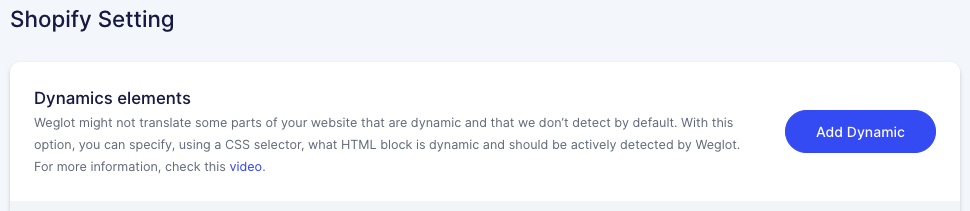
2. Add #infiniteoptions-container into the Dynamic elements field to integrate our app with Weglot.

3. Save your changes.
You are all set! 🎉 Feel free to view your store under that language now.