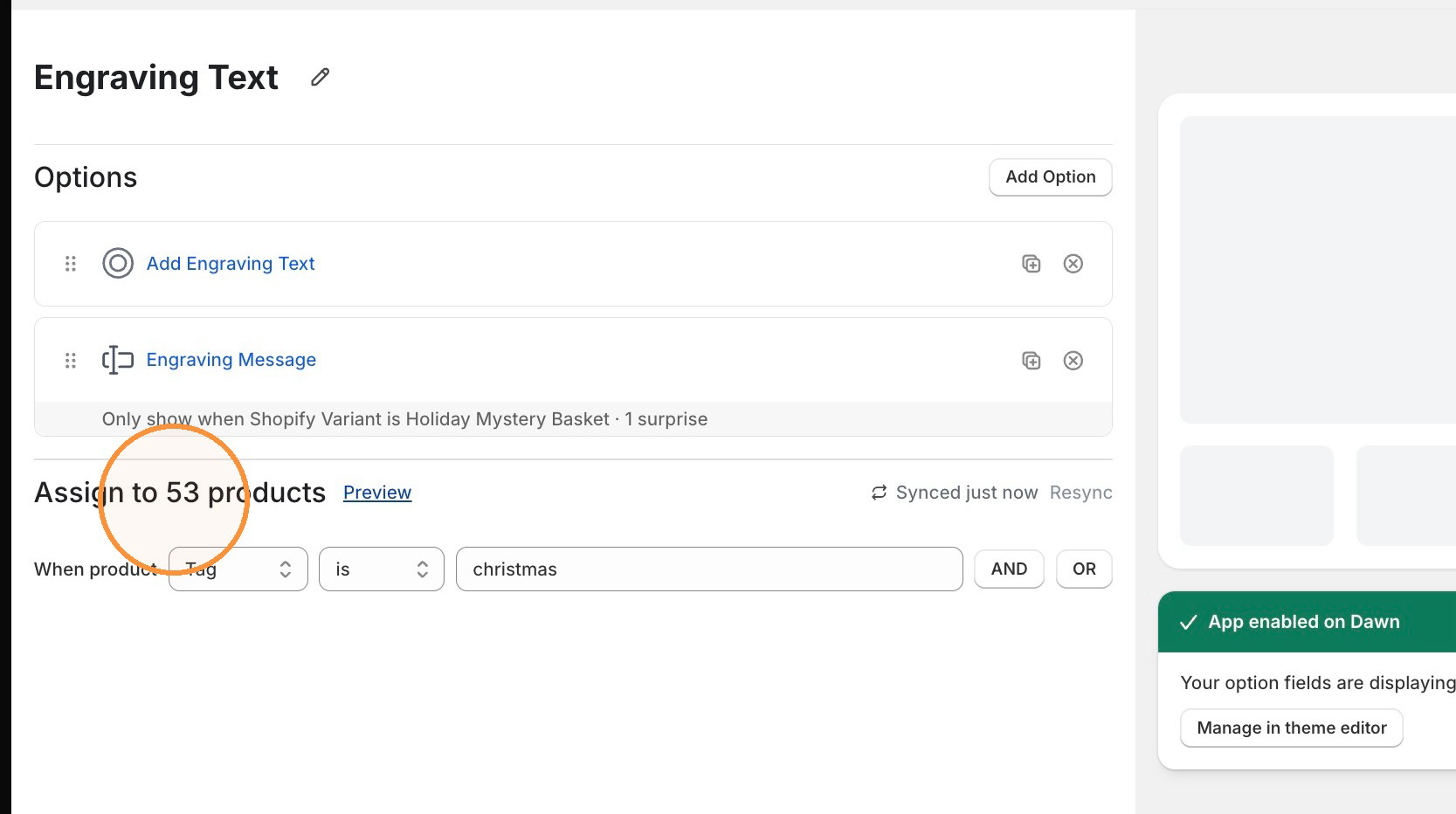
Why doesn't my product count update after I change how it's assigned?
Fix a stale product count in Infinite Options Assign to products after you change a tag or handle in Shopify, by using the Resync link.
If you update a product’s tag or handle in Shopify, Infinite Options may not immediately show the new number of matching products in Assign to products.
Use the Resync link to manually refresh your product catalog.
Why this happens
Section titled “Why this happens”Infinite Options syncs your Shopify product catalog periodically. If you change a product’s tag or handle after the last sync, the product count shown in Assign to products may be out of date until the next sync runs.
Resyncing your catalog manually
Section titled “Resyncing your catalog manually”Open any Option Set to find the Resync link. Click it to start a manual resync of your product catalog.
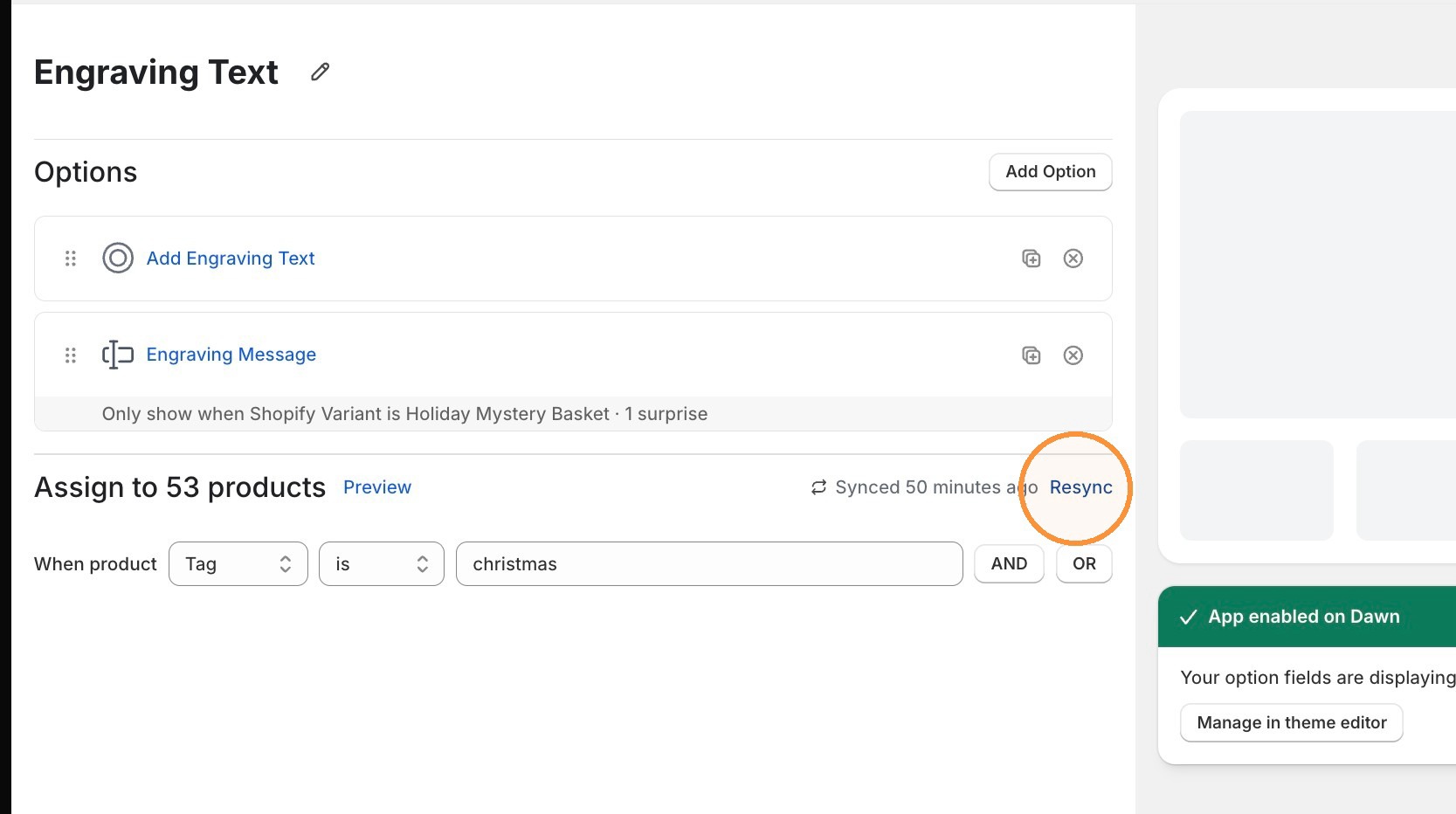
The link’s text shows the current sync state:
- Synced just now
- Syncing catalog
- Synced x minutes/hours/days ago
After you click Resync, there’s a short cooldown of about 60 seconds before you can click it again. The link becomes clickable once the cooldown ends.
What changed in Assign to products and Preview
Section titled “What changed in Assign to products and Preview”Assign to products now shows the number of products currently matching your assignment rules, for example Assign to products (12). If no products match, it displays as just Assign to products, with no count.
The Preview link no longer displays a product count itself. It now appears to the left of the Assign to products text.