
Packing Slip
Legacy walkthrough for adding Infinite Options selections to the Shopify packing slip template from Settings and Shipping and delivery.
Follow the steps below on how to display option selections in the Packing slip template.
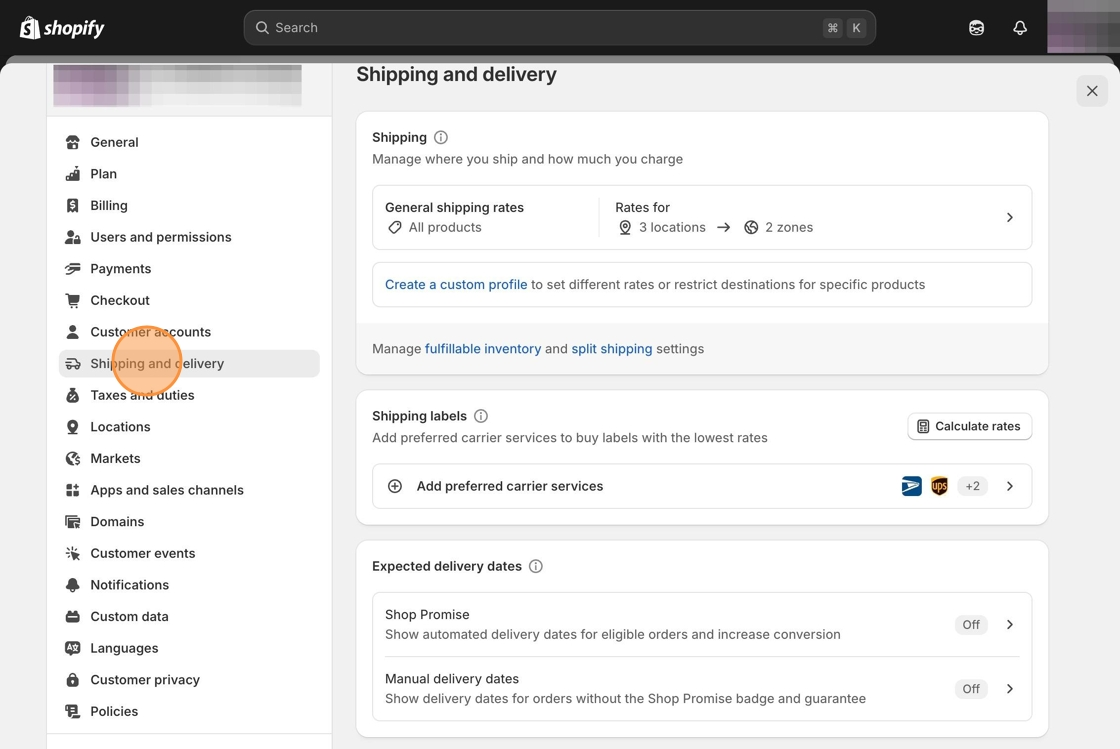
1. Navigate into Settings of your Shopify admin.
2. Click on Shipping and delivery.
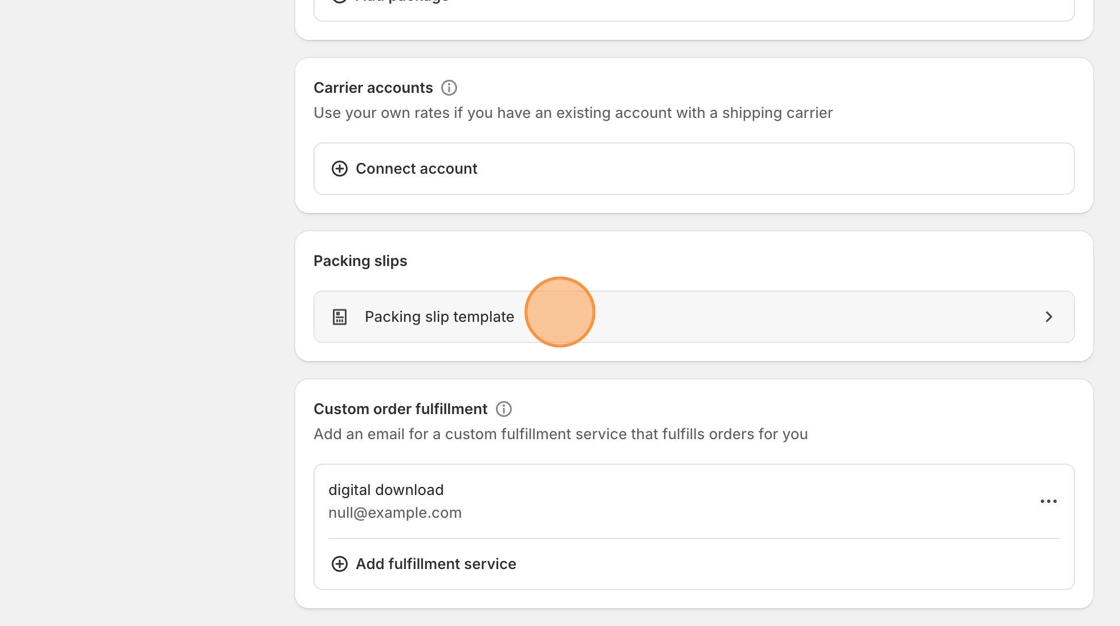
3. Locate the Packing Slip template and click on it to edit.
4. Copy the following code snippet.
{% if line_item.properties != blank %}<span class="line-item-description-line"> {% for p in line_item.properties %} {% if p.first contains '_io_' %} {% continue %} {% endif %} {% unless p.last == blank %} {{p.first}}: {{ p.last }}<br /> {% endunless %} {% endfor %}</span>{% endif %}<br>5. Paste the code that you just copied underneath the following code.
{% if line_item.sku != blank %}<span class="line-item-description-line">{{ line_item.sku }}</span>{% endif %}<br>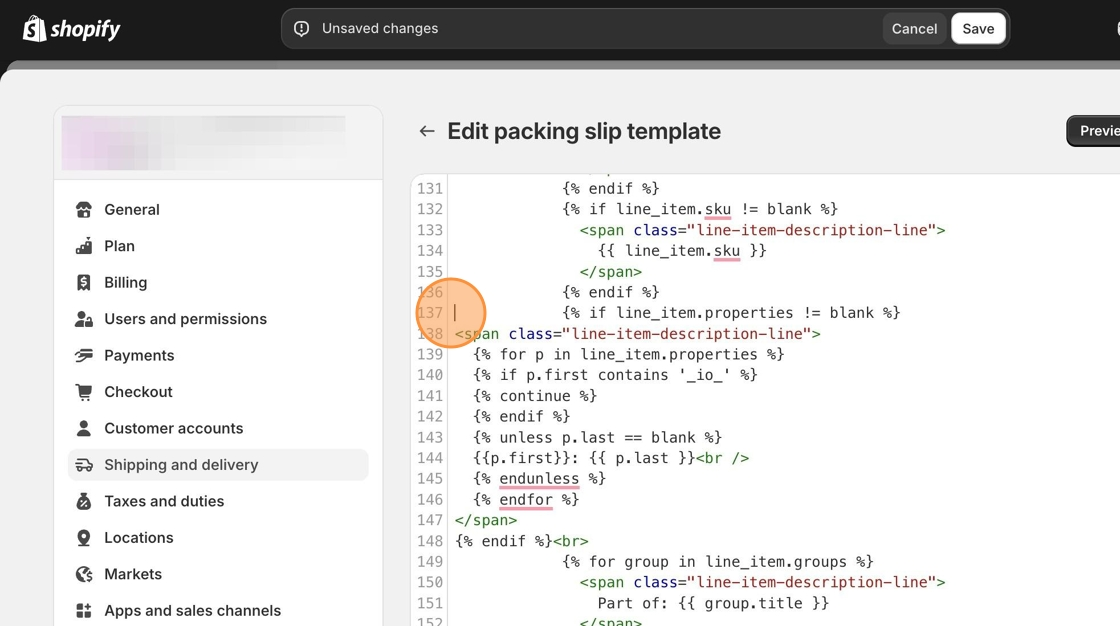
6. Click the Save button at the top of the page.