
Upload multiple images
Add several upload fields to one product in Uploadery with the Add Another Custom Field button so customers can attach multiple images per order.
Uploadery allows you to add an unlimited number of upload fields to any of your products.
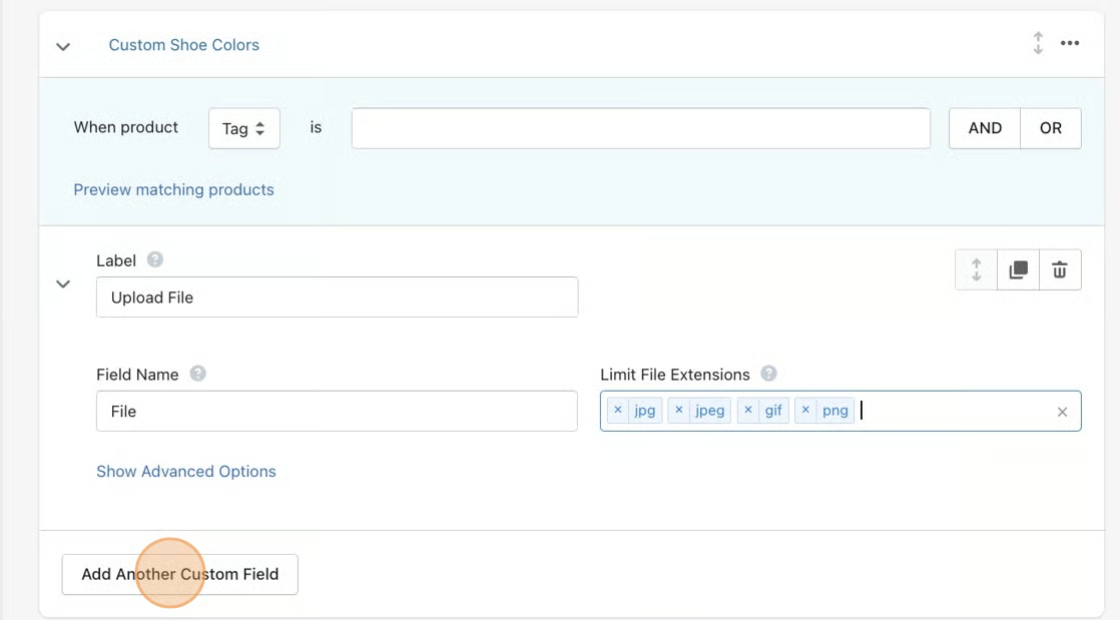
You can click on the Add Another Custom Field button to add another upload field to the product. Click here for a refresher on how to create upload fields.
However, the easiest way to make multiples of the same upload field is to use the Duplicate button for your upload field within the option set.
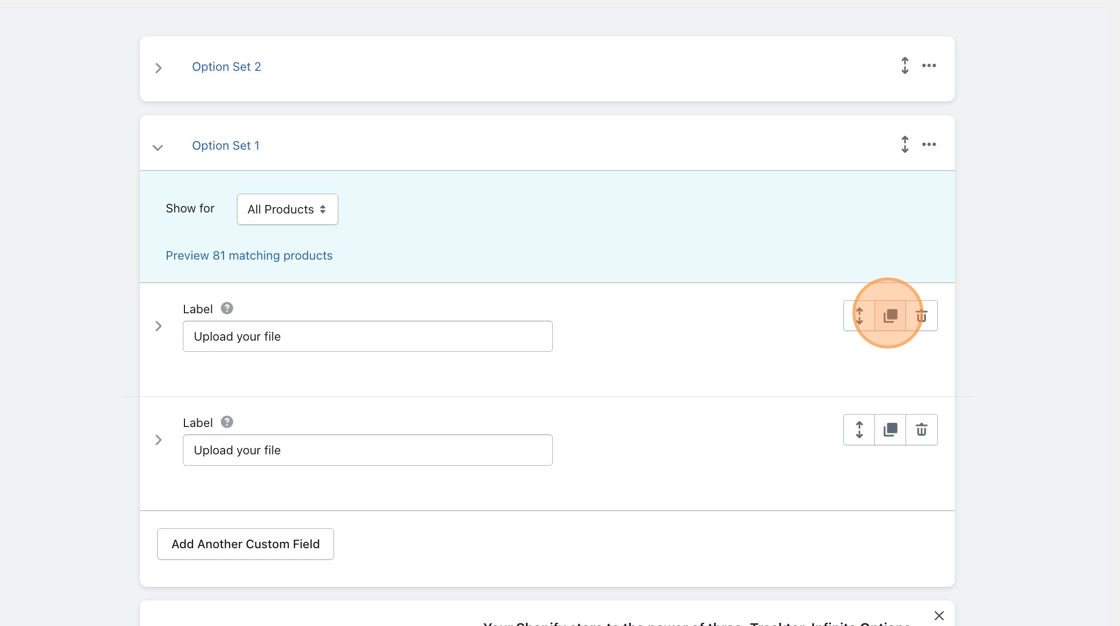
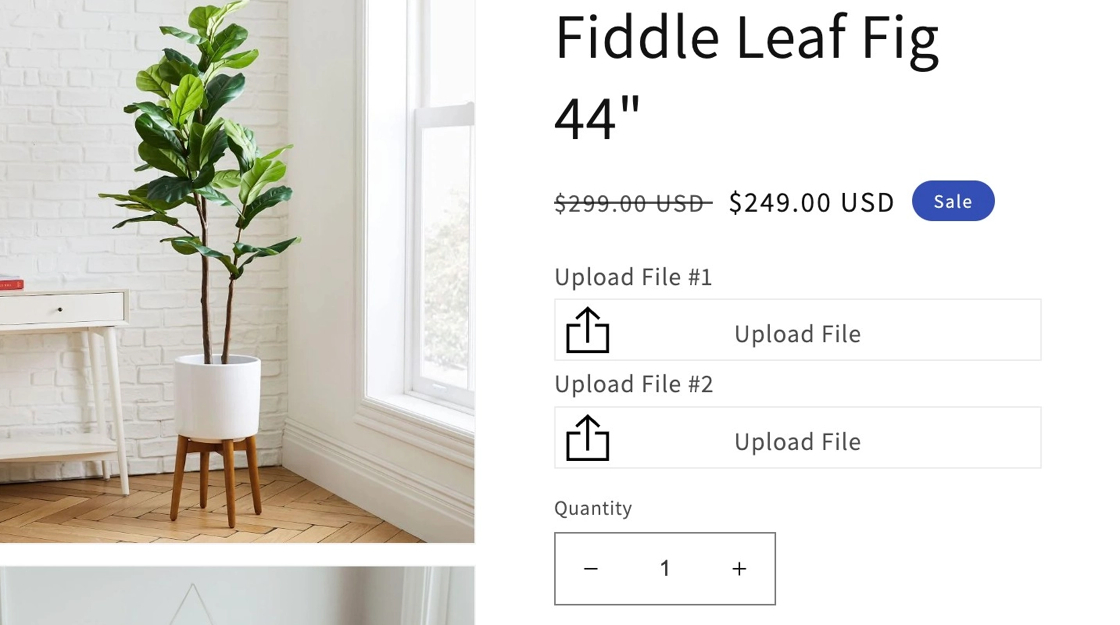
Don’t forget to save your changes. Then, your product page will look like this:
Lastly, you will want to make sure that your field names are all unique values to prevent any issues.