Revert Recovery Email to Shopify Default
Reset the Kit Karts recovery email to the Shopify default style from the Recovery Email tab, and note that custom edits are removed.
Kit Karts now allows you to have a Shopify default-styled recovery email.
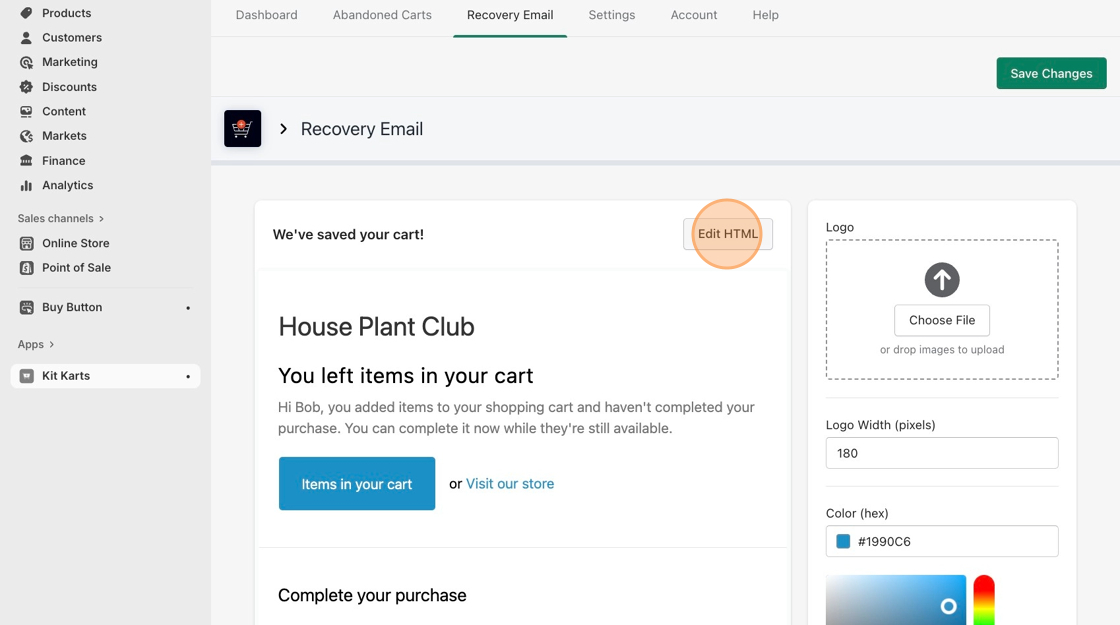
- Navigate to the Recovery Email tab.
- Click on Edit HTML.
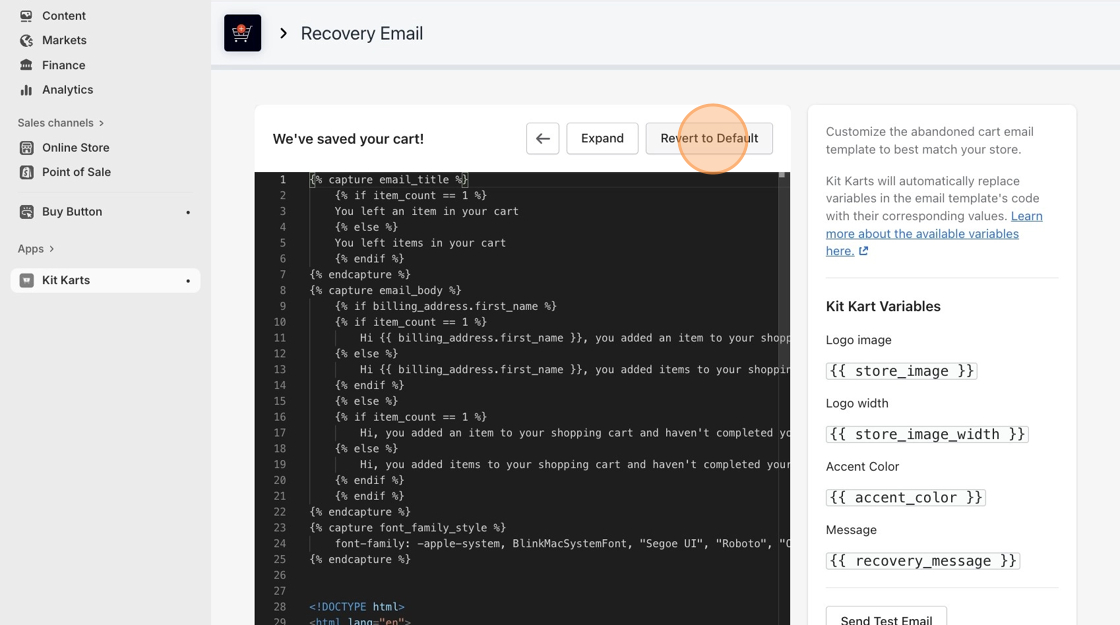
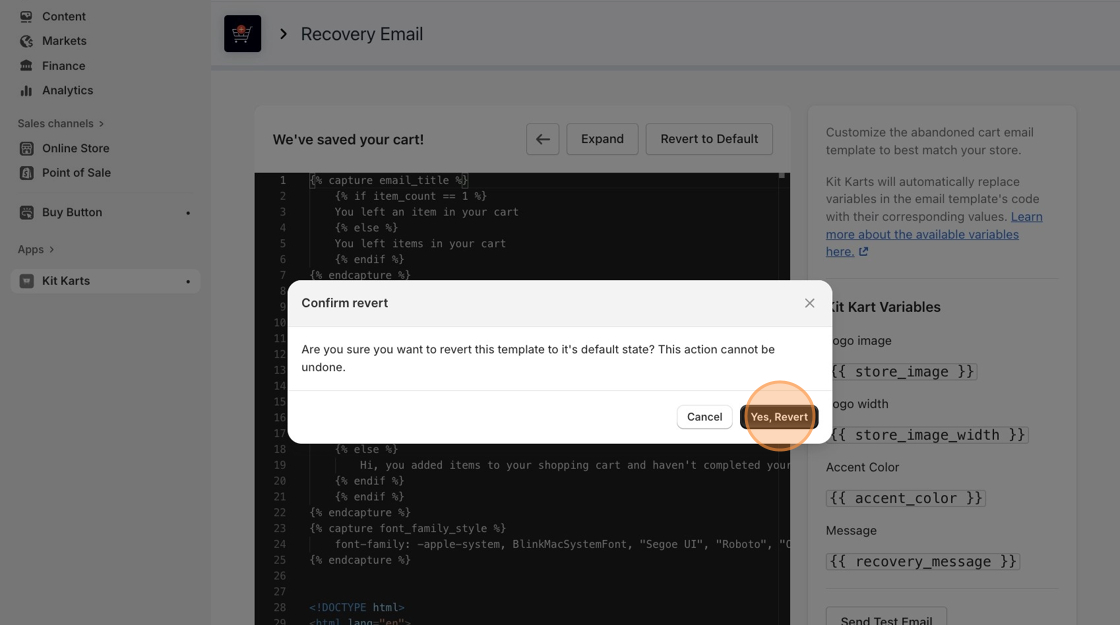
- Click Revert to Default, then Yes, Revert after reading the important message.
- Click on the green Save Changes button at the top-right corner of the page.
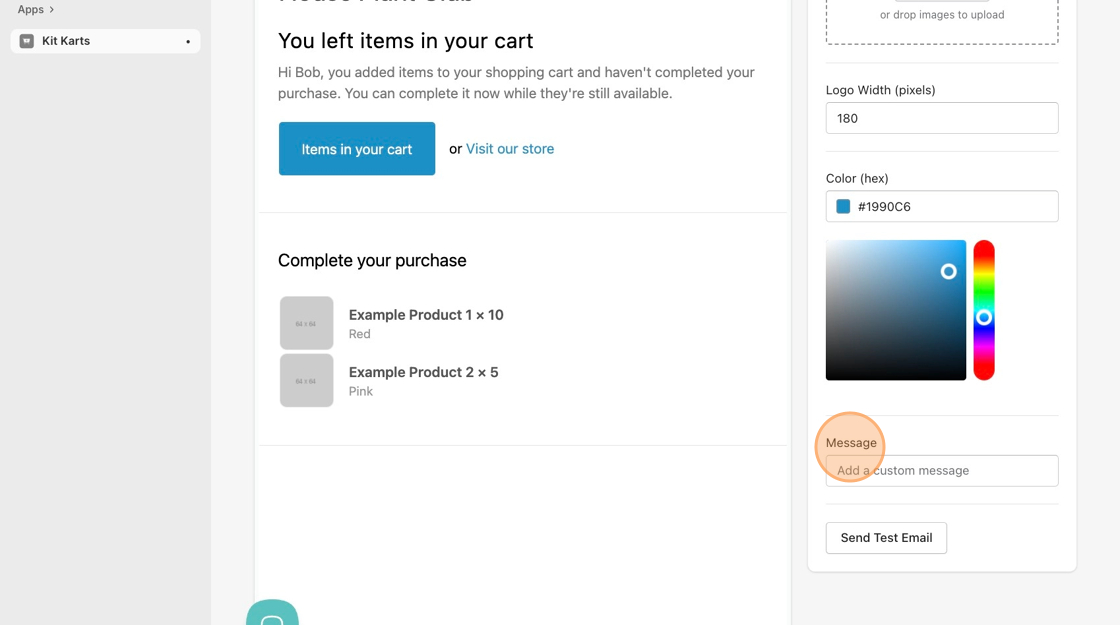
- To re-add lost promo codes, simply type the message into the Message section on the bottom right of the screen.