> For the complete documentation index, see [llms.txt](https://docs.theshoppad.com/blogstudio/llms.txt). Markdown versions of documentation pages are available by appending `.md` to page URLs; this page is available as [Markdown](https://docs.theshoppad.com/blogstudio/customize-the-app/editor-tips-and-tricks.md).

# Editor Tips and Tricks

Pick up Blog Studio editor tips: start from a section, drag in content blocks, tweak spacing, reorder blocks and preview screen sizes.

## Start with a section.  Create one by creating a new article and selecting a section like this

<figure><img src="https://d33v4339jhl8k0.cloudfront.net/docs/assets/555e25e4e4b027e1978e1c9a/images/5f91cb8bcff47e001a591366/file-9VjwtQAzuu.gif" alt=""><figcaption></figcaption></figure>

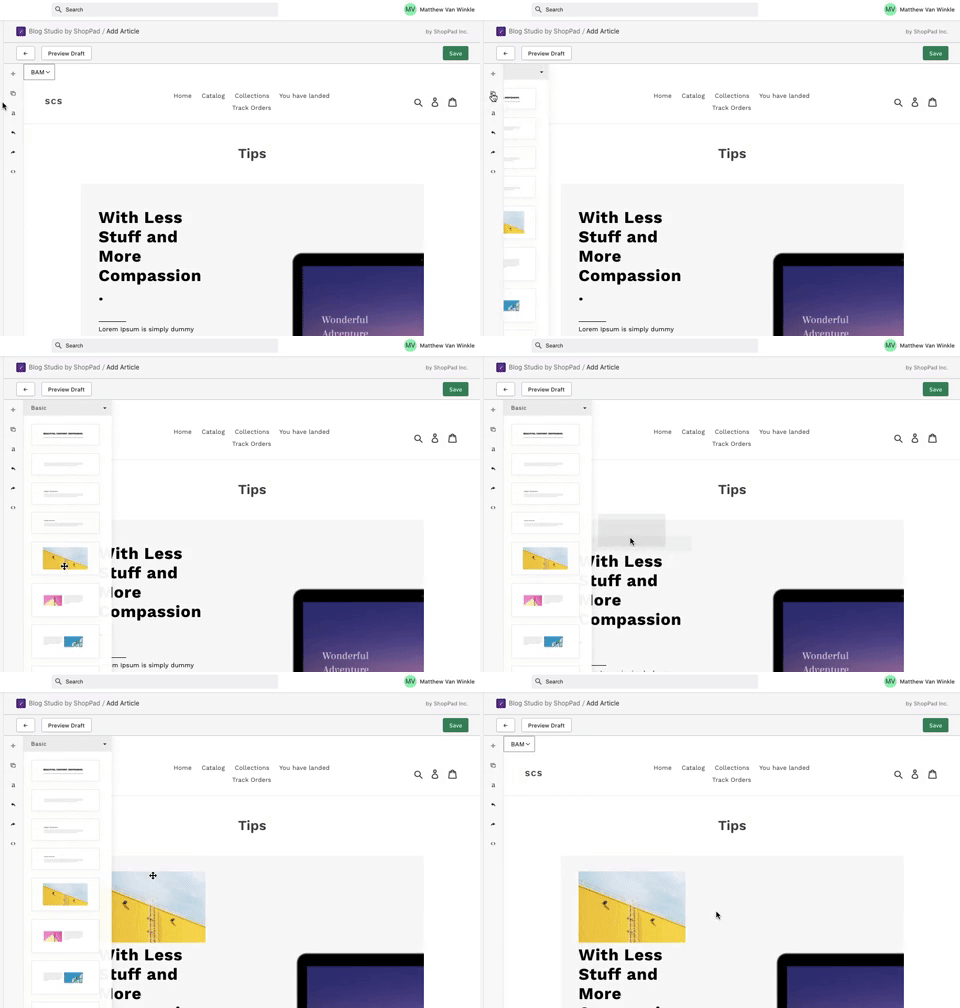
### Drag content blocks into a section for further customization

<figure><img src="https://d33v4339jhl8k0.cloudfront.net/docs/assets/555e25e4e4b027e1978e1c9a/images/5f91cf4952faff0016af2a5b/file-EqgwSm52MX.gif" alt=""><figcaption></figcaption></figure>

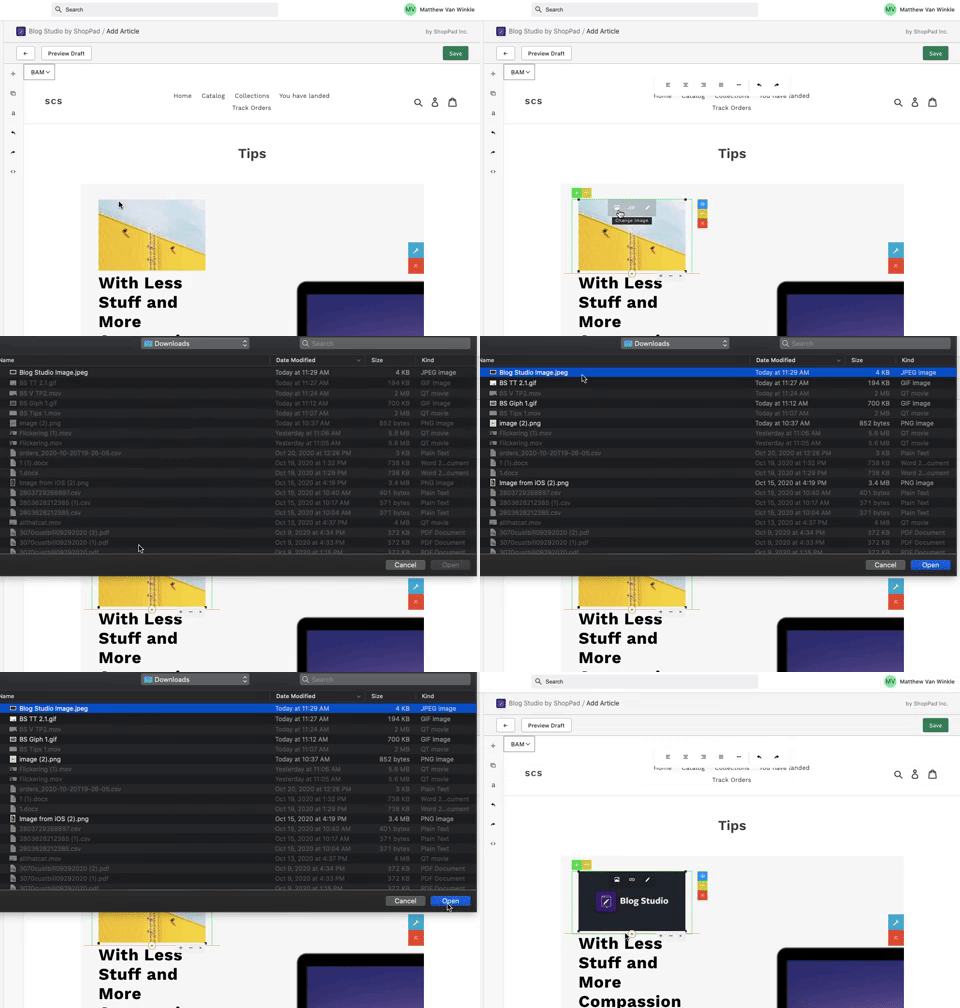
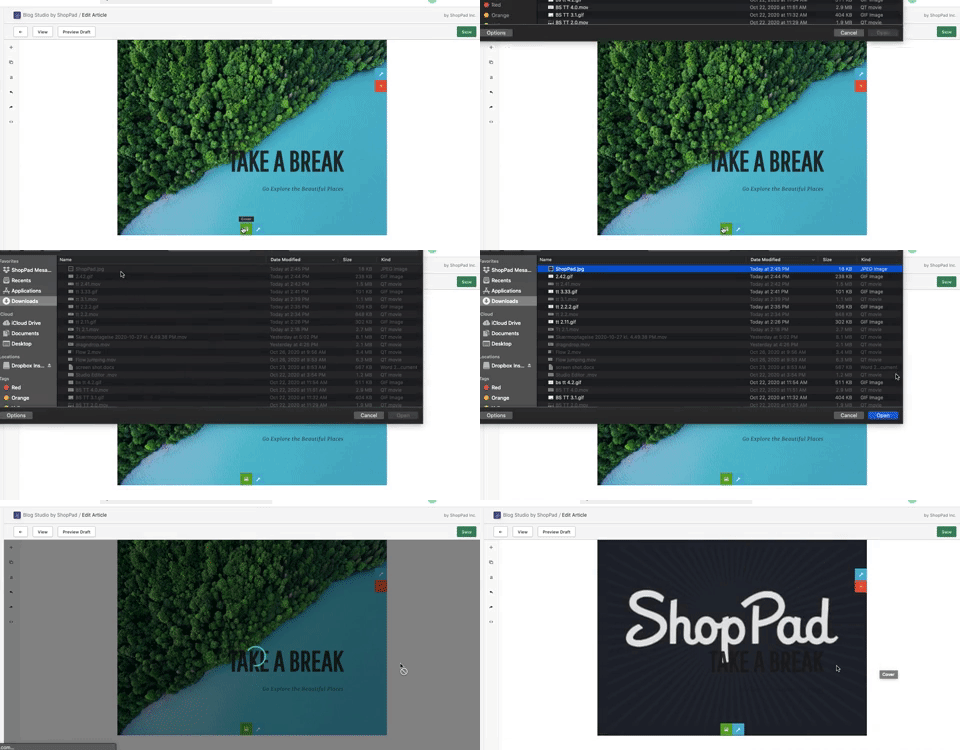
### Change the image in your content blocks

<figure><img src="https://d33v4339jhl8k0.cloudfront.net/docs/assets/555e25e4e4b027e1978e1c9a/images/5f91d03ecff47e001a59137b/file-gbNbc9DthG.gif" alt=""><figcaption></figcaption></figure>

### Adjust the spacing around your content blocks

<figure><img src="https://d33v4339jhl8k0.cloudfront.net/docs/assets/555e25e4e4b027e1978e1c9a/images/5f91d55fcff47e001a59138f/file-yr2Z0FNpGO.gif" alt=""><figcaption></figcaption></figure>

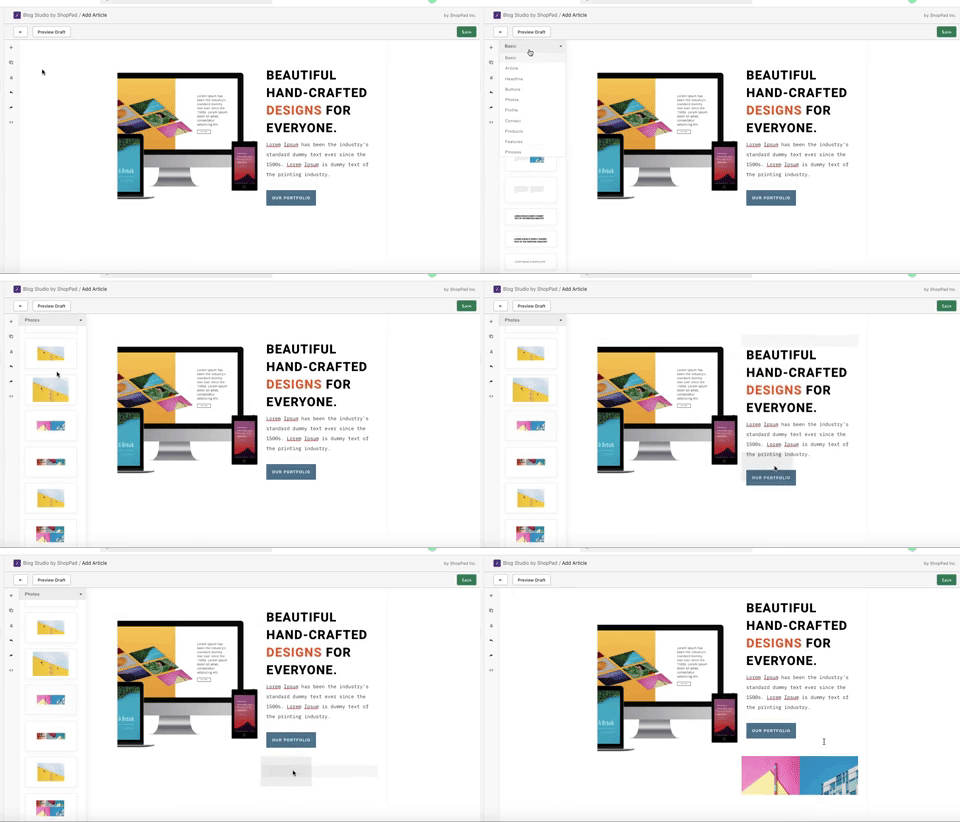
### Utilize image content blocks

<figure><img src="https://d33v4339jhl8k0.cloudfront.net/docs/assets/555e25e4e4b027e1978e1c9a/images/5f99e230cff47e001a593455/file-rvPr80sBol.gif" alt=""><figcaption></figcaption></figure>

## Adjust the order of your content blocks in a section

<figure><img src="https://d33v4339jhl8k0.cloudfront.net/docs/assets/555e25e4e4b027e1978e1c9a/images/5f99e45752faff0016af4b21/file-7SUK2RL8qK.gif" alt=""><figcaption></figcaption></figure>

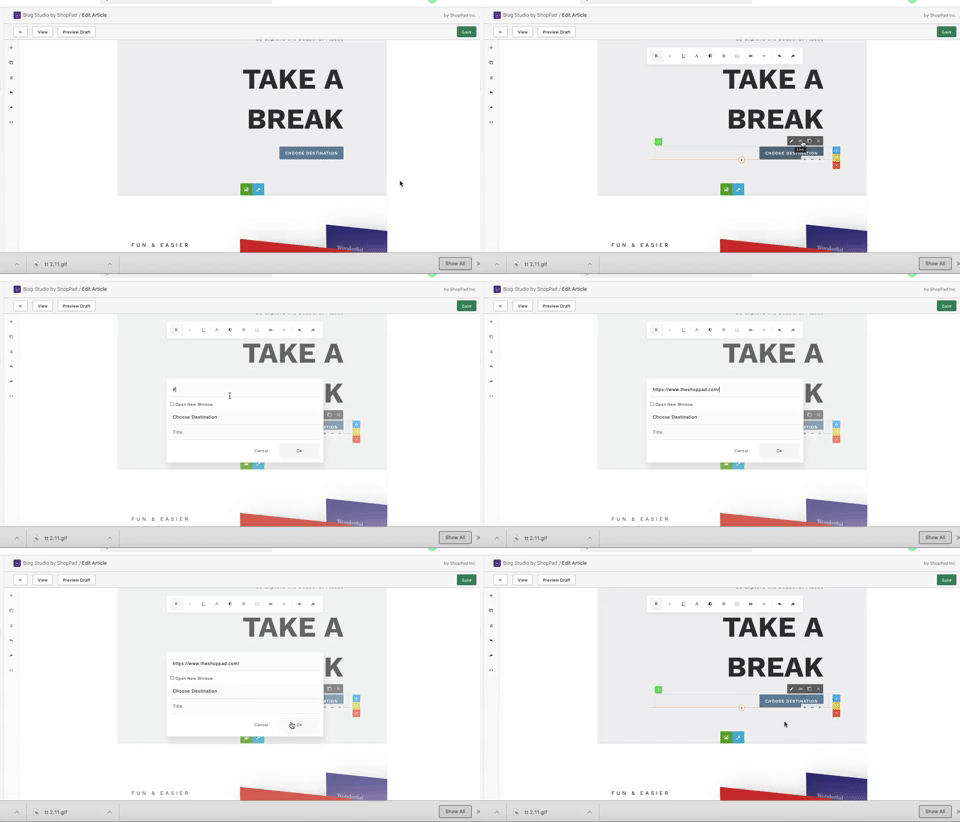
## Adjust button links

<figure><img src="https://d33v4339jhl8k0.cloudfront.net/docs/assets/555e25e4e4b027e1978e1c9a/images/5f99e594c9e77c0016754827/file-LZoKRKIzpN.gif" alt=""><figcaption></figcaption></figure>

## Preview the article on different sized screens

<figure><img src="https://d33v4339jhl8k0.cloudfront.net/docs/assets/555e25e4e4b027e1978e1c9a/images/5f99e64252faff0016af4b2f/file-WpzV6EEPgw.gif" alt=""><figcaption></figcaption></figure>

## Adjust the background image of your sections

<figure><img src="https://d33v4339jhl8k0.cloudfront.net/docs/assets/555e25e4e4b027e1978e1c9a/images/5f99e78352faff0016af4b36/file-4iux351MIg.gif" alt=""><figcaption></figcaption></figure>

## Adjust the position of your content block inside of a section

<figure><img src="https://d33v4339jhl8k0.cloudfront.net/docs/assets/555e25e4e4b027e1978e1c9a/images/5f99e8a852faff0016af4b3f/file-e6LBEUNP1L.gif" alt=""><figcaption></figcaption></figure>